Leitfaden für den gewerblichen Saunabetrieb
Richtlinie für Telefone & Elektronik in der gewerblichen Sauna: Hitze, Batterie, Datenschutz und Betrieb
Ein praktischer, betreiberorientierter Leitfaden für Hotels, Fitnessstudios, Spas und Wellnesseinrichtungen, die entscheiden, wie mit Telefonen, Kameras, Ohrhörern, Powerbanks und anderen tragbaren elektronischen Geräten rund um einen Sauna-Heißraum umgegangen werden sollte.
Kurze Antwort: Sollte eine gewerbliche Sauna Telefone im Inneren zulassen?
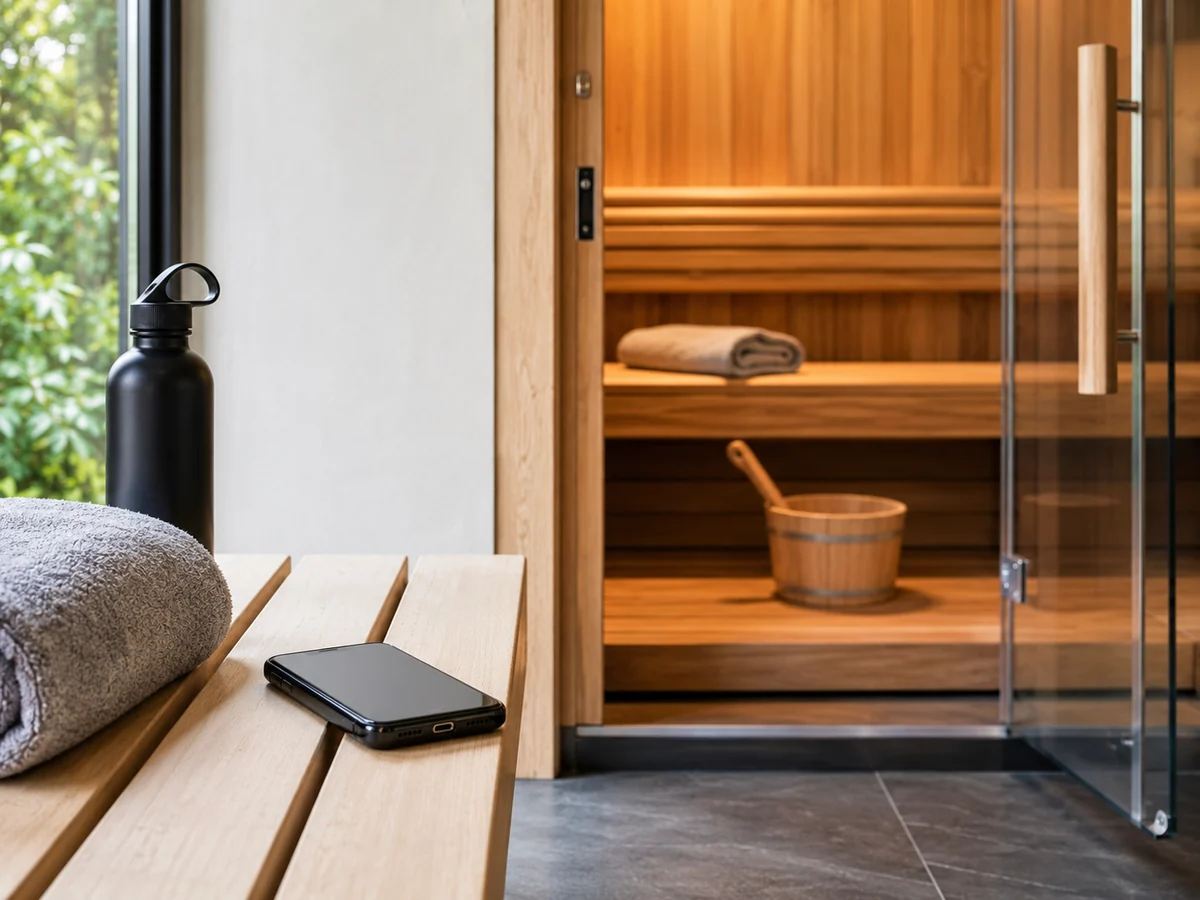
Für die meisten gewerblichen Saunabetriebe besteht die einfachere Risikokontrollstrategie darin, persönliche Telefone und andere nicht saunageeignete tragbare Elektronikgeräte außerhalb des heißen Raums zu belassen. Die für diesen Artikel geprüfte aktuelle Herstelleranleitung gibt für die normale Nutzung aktueller iPhone-, Samsung Galaxy- und Google Pixel-Telefone etwa 0–35°C (32–95°F) an, und Apple, Google und Samsung veröffentlichen jeweils Hinweise, die eine gewöhnliche Saunanutzung ihrer Telefone nicht unterstützen. Die kommerzielle Richtlinie zur Schadenverhütung von Aviva empfiehlt zudem, tragbare Geräte mit Lithium-Ionen-Akku wie Telefone, Tablets, Laptops, Kopfhörer und Vapes in Saunen zu verbieten.
Dies ist kein universelles Gesetz für jeden Ort, jedes Gerät oder jede Gerichtsbarkeit. Es ist eine betriebspolitische Entscheidung, die die genaue Geräteanleitung, die tatsächliche Saunaumgebung, Datenschutzregeln für Gäste, Anforderungen des Versicherers, Personalverfahren und lokale Anforderungen kombinieren sollte. Wenn einer dieser Inputs unbekannt ist, ist eine klare Regel „persönliche Elektronik bleibt außerhalb des Heißraums“ leichter zu kommunizieren und durchzusetzen als Ausnahmen von Gerät zu Gerät.
Für die Verbraucherfrage zu einem bestimmten Telefon verwenden Sie HACHILLs Gerätesicherheits-Leitfaden für Telefone in der Sauna. Diese Seite konzentriert sich weiterhin auf kommerzielle Betriebsrichtlinien und Übergabekontrollen.
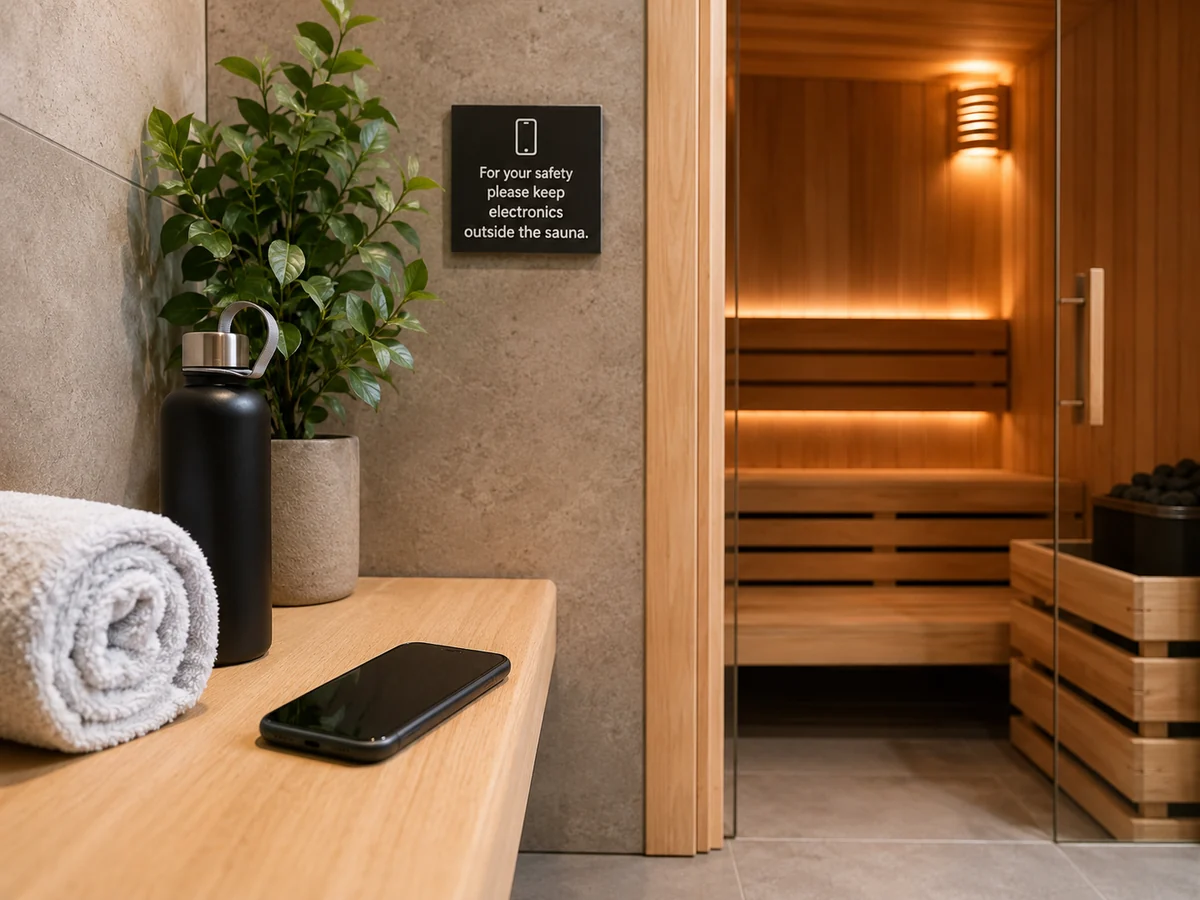
1. Legen Sie die Grenzen der Richtlinie fest, bevor Gäste die Sauna betreten
Eine gewerbliche Telefonrichtlinie sollte eine betriebliche Frage beantworten: welche persönlichen elektronischen Geräte den heißen Raum betreten dürfen, falls überhaupt? Die Antwort sollte vor dem Betreten sichtbar, über Mitarbeiterschichten hinweg konsistent und durch eine praktische Aufbewahrungsalternative gestützt sein.
Machen Sie die Regel nicht davon abhängig, ob ein Gast sagt, ein Telefon sei wasserdicht, ob eine Sitzung kurz dauert oder ob das Gerät auf einer niedrigeren Bank liegt. Diese Details sind für das Personal schwer zu überprüfen und ersetzen nicht die Umgebungsvorgaben des Geräteherstellers.
| Grundsatzfrage | Schwache Kontrolle | Bessere Betriebskontrolle |
|---|---|---|
| Dürfen Mobiltelefone in den heißen Raum? | „Benutzung auf eigenes Risiko.“ | Veröffentlichen Sie vor dem Eintritt eine klare Regel für erlaubt / nicht erlaubt. |
| Was ist mit Kameras und Aufzeichnung? | Davon ausgehen, dass Telefonregeln den Datenschutz automatisch abdecken. | Aufzeichnungs- und Datenschutzregel getrennt angeben. |
| Was ist mit Ohrhörern, Powerbanks oder Vapes? | Nur Telefonnummern angeben. | Definieren Sie die Regel für tragbare batteriebetriebene Elektronik als Kategorie. |
| Wie erfassen Gäste die Zeit? | Rechnen Sie damit, dass sie ein Telefon mitbringen. | Stellen Sie eine sichtbare Uhr, einen Timer oder eine andere zugelassene Methode bereit. |
| Wohin kommen die Geräte? | Keine definierte Lagerroute. | Stellen Sie Spinde, Regale oder andere trockene Aufbewahrungsmöglichkeiten außerhalb des Heißraums bereit. |
Wischen oder ziehen Sie die Tabelle auf dem Handy seitwärts.
2. Herstellerangaben zum Telefon als geräteseitige Grenze verwenden
Der nützliche Vergleich ist nicht „das Telefon hat letztes Mal überlebt“. Entscheidend ist, ob das genaue Gerät innerhalb der Bedingungen verwendet wird, die sein Hersteller vorgibt.
Apple gibt an, dass iPhone- und iPad-Geräte für die Nutzung bei einer Umgebungstemperatur zwischen 0°C und 35°C (32°F und 95°F) ausgelegt sind, und merkt an, dass sehr heiße Bedingungen die Batterielebensdauer dauerhaft verkürzen können. Samsung beschreibt 0°C bis 35°C als optimale Nutzungstemperatur für Galaxy-Geräte und erklärt, dass kontinuierliche Nutzung oder Ladung bei extremen Temperaturen die Batteriealterung beschleunigen kann. Die aktuelle Google-Pixel-Sicherheitsrichtlinie besagt ebenfalls, dass Pixel-Geräte am besten bei 0°C bis 35°C funktionieren, und weist Nutzer an, das Gerät nicht über diesem Umgebungsbereich zu nutzen oder zu laden.
Diese Herstellerbereiche sind Gerätehinweise, keine Saunakonstruktionsgrenzen. Für die saunaseitige Umgebung gilt HACHILL’s Leitfaden zur Saunatemperatur erklärt, warum traditionelle Sauna-, Infrarot-Sauna- und Dampfbadumgebungen nicht als eine thermische Bedingung behandelt werden sollten.
| Quelle | Was er unterstützt | Was sie nicht beweist |
|---|---|---|
| Apple Temperaturhinweise | Der normale iPhone-Gebrauch ist auf einen angegebenen Umgebungstemperaturbereich ausgelegt; sehr heiße Bedingungen können die Batterielebensdauer beeinträchtigen. | Es definiert keine allgemeingültige saunasichere Expositionszeit. |
| Samsung Galaxy Akku-Hinweise | Nutzung oder Laden bei extremen Temperaturen kann die Batteriealterung beschleunigen und Ladeschutzfunktionen auslösen. | Es macht nicht jedes Galaxy-Modell in allen Umgebungsdetails identisch. |
| Google Pixel Sicherheitshinweise | Die aktuelle Pixel-Anleitung nennt einen Umgebungstemperatur-Betriebsbereich und weist Nutzer an, übermäßige Hitze zu verlassen. | Es stellt keine allgemeine Regel für jede Telefonmarke auf. |
| Anlagenrichtlinie | Kann persönliche Elektronik aus Betriebs-, Datenschutz- oder Risikokontrollgründen einschränken. | Es sollte nicht als Garantieerklärung eines Telefonherstellers dargestellt werden. |
Wischen oder ziehen Sie die Tabelle auf dem Handy seitwärts.
3. Wasserbeständigkeit oder eine IP-Schutzart ist keine Saunazulassung
Wasserbeständigkeit beantwortet eine andere Frage als Saunatauglichkeit. Apples iPhone-Wasserbeständigkeitshinweise weisen Nutzer ausdrücklich an, iPhone nicht in einer Sauna oder einem Dampfraum zu verwenden. Googles Pixel-Hinweise zu Wasserschäden weisen Nutzer an, ein Pixel-Telefon nicht in eine Sauna mitzunehmen. Samsungs Galaxy-Wasserbeständigkeitshinweise besagen, das Produkt nicht bei anormalen Temperaturen wie in Saunen und Dampfräumen oder an Orten mit hoher Luftfeuchtigkeit zu verwenden.
Das bedeutet, dass ein Betreiber keine Ausnahmen wie „IP68-Telefone sind erlaubt“ schaffen sollte. Die Wasserbeständigkeit kann sich auch durch Verschleiß, Beschädigung oder Reparatur ändern, was eine Prüfung Gerät für Gerät in einer gemeinsam genutzten gewerblichen Einrichtung noch unpraktischer macht.
4. Definieren, was die Elektronikregel abdeckt
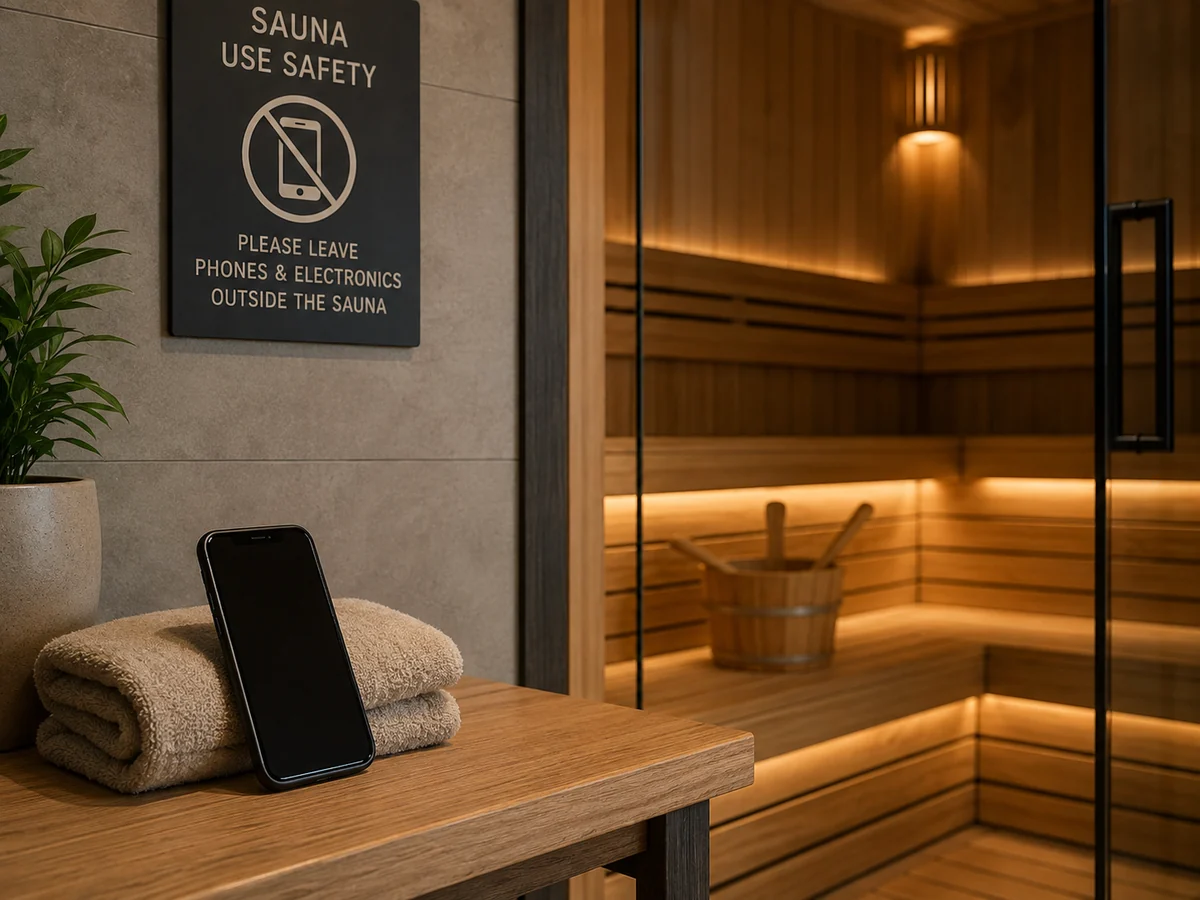
Gewerbliche Einrichtungen sollten entscheiden, ob die Richtlinie nur Telefone oder eine breitere Gruppe tragbarer elektronischer und batteriebetriebener Geräte abdeckt. Avivas 2024 Sichere Nutzung von Saunen Schadensverhütungsrichtlinien empfehlen, Nicht-Sauna-Elektrogeräte zu verbieten, und listen ausdrücklich tragbare Geräte mit Lithium-Ionen-Akku wie Mobiltelefone, Tablets, Laptops, Kopfhörer und Vapes auf.
Dieses Dokument ist eine Schadenverhütungsrichtlinie eines Versicherers, kein allgemeingültiges Gesetz. Sein Wert liegt hier in der Risikokontrolllogik: Eine Einrichtungsregel sollte auf der Gerätekategorie und den Betriebsbedingungen beruhen und nicht darauf, ob ein Gast den Gegenstand zufällig als Telefon bezeichnet.
| Gerät / Verhalten | Grundsatzfrage | Empfohlene Steuerlogik |
|---|---|---|
| Telefone und Tablets | Dürfen persönliche Bildschirme in den heißen Raum mitgenommen werden? | Außen belassen, es sei denn, der Betreiber hat eine ausdrückliche, dokumentierte Ausnahme. |
| Kameras / Aufzeichnung | Erlaubt der Veranstaltungsort Fotografie oder Aufzeichnungen? | Datenschutz- und Aufzeichnungsregeln unabhängig vom Wärmerisiko des Geräts angeben. |
| Ohrstöpsel / Kopfhörer | Sind persönliche batteriebetriebene Audiogeräte erlaubt? | Beziehen Sie sie in die Elektronikregel ein, oder definieren Sie eine freigegebene Audio-Route. |
| Smartwatches / Wearables | Sind Wearables von derselben Regel abgedeckt? | Legen Sie eine Anlagenrichtlinie fest und überlassen Sie gerätespezifische Toleranzen der aktuellen Herstelleranleitung. |
| Powerbanks | Dürfen Ersatzbatterien oder Ladegeräte hineingebracht werden? | Außerhalb des Heißraums aufbewahren und trockene Lagerung vorsehen. |
| Vapes / E-Zigaretten | Verbietet der Standort sie bereits? | Fügen Sie sie ausdrücklich dort ein, wo relevant, um Mehrdeutigkeiten zu vermeiden. |
Wischen oder ziehen Sie die Tabelle auf dem Handy seitwärts.
Musterformulierung für Anlagen
Der endgültige Wortlaut sollte an den Standort, seine Nutzer und die lokalen Anforderungen angepasst werden. Stellen Sie allgemeine Beispielformulierungen nicht als Rechtsberatung oder als Herstellergarantiebedingung dar.
5. Gästen eine praktische Alternative zum Mitnehmen des Telefons nach drinnen bieten
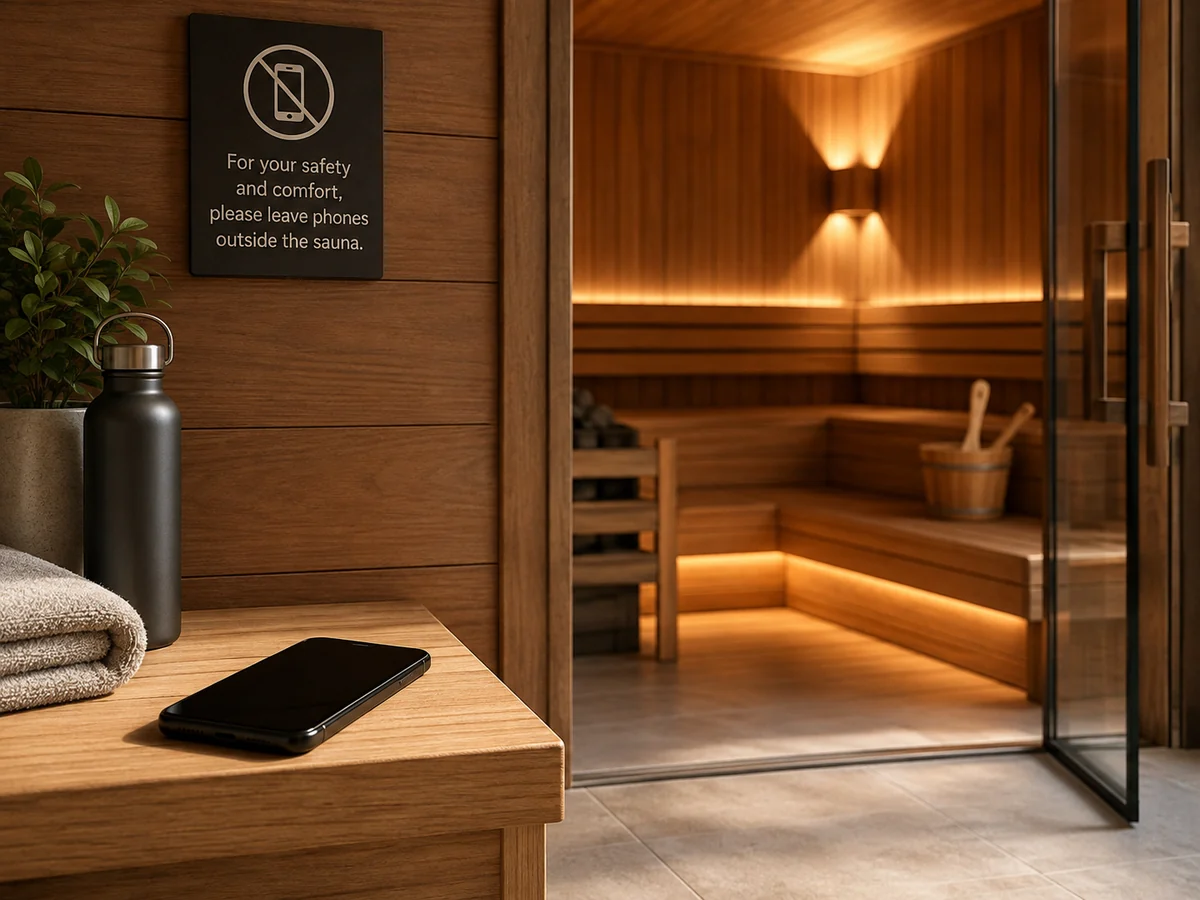
Eine Regel ist leichter zu befolgen, wenn der Betrieb den Grund für ihre Missachtung beseitigt. Wenn Gäste Telefone mitbringen, um die Zeit zu messen, Musik zu hören, Fotos zu machen oder erreichbar zu bleiben, berücksichtigen Sie diese Bedürfnisse im Betriebskonzept.
| Gästebedarf | Betriebliche Alternative | Übergabeprüfung |
|---|---|---|
| Session-Zeit erfassen | Sichtbare Uhr, Timer oder zugelassene Anlagensteuerung. | Standort, Sichtbarkeit und Personaleinweisung bestätigen. |
| Wertsachen verstauen | Spind- oder Trockenlagerung außerhalb der Saunakabine. | Bestätigen Sie den Weg vom Umkleidebereich zum Saunaeingang. |
| Musik | Von der Einrichtung zugelassene Audioanlage, von außerhalb des Heißraums gesteuert. | Bestätigen Sie, dass die Ausrüstung für die Installationsumgebung vorgesehen ist. |
| Notfallzugang | Personalverfahren, Alarm-/Rufsystem, sofern erforderlich, und erreichbare Telefone außerhalb des Raums. | Bestätigen Sie, wer reagiert und wie der Gast Hilfe erhält. |
| Fotos / Aufzeichnung | Definierte Fotozone oder Aufnahmeverbot. | Datenschutzformulierung und Durchsetzung durch das Personal bestätigen. |
Wischen oder ziehen Sie die Tabelle auf dem Handy seitwärts.
Für die zeitliche Steuerung von Nutzersitzungen halten Sie diese Entscheidung getrennt von der Elektronikrichtlinie. HACHILL’s Leitfaden zur Dauer des Saunagangs behandelt Timing als Thema der Nutzersicherheit, statt ein Telefon als Steuerungsmethode zu verwenden.
6. Bereiten Sie Mitarbeiter auf Meldungen zu heißen, nassen oder beschädigten Geräten vor
Das Personal sollte nicht das Telefon eines Gastes diagnostizieren oder Reparaturratschläge improvisieren. Das betriebliche Ziel ist, weitere Exposition zu stoppen, zusätzliche Ladelast zu vermeiden und den Gast an den Gerätehersteller oder qualifizierten Service-Support zu verweisen, wenn abnormale Bedingungen fortbestehen.
| Beobachtete Situation | Sofortiges Handeln des Personals | Begrenzung |
|---|---|---|
| Telefon ist nach Saunaeinwirkung heiß | Lassen Sie den Gast es aus der heißen Umgebung entfernen und die aktive Nutzung einstellen, während es in einer normalen, kühleren Umgebung abkühlt. | Versprechen Sie nicht, dass das Gerät unbeschädigt ist. |
| Temperaturwarnung oder Abschaltung | Nutzung und Laden stoppen; die genauen Herstellerhinweise zur Überhitzung befolgen. | Umgehen Sie keine Schutzvorrichtungen und erzwingen Sie keine Schnellabkühlung. |
| Mögliche Flüssigkeits-/Kondensatexposition | Befolgen Sie die Trocknungs- und Ladeanweisungen des Herstellers für dieses Gerät. | Keine pauschalen Garantieaussagen treffen. |
| Quellung, Geruch, Anheben des Siebs oder anhaltende abnormale Hitze | Beenden Sie die Nutzung und überführen Sie das Problem in das Vorfall-/Eskalationsverfahren des Standorts; verweisen Sie den Benutzer an qualifizierten Kundendienst. | Nicht anstechen, zusammendrücken oder eine Reparatur vor Ort versuchen. |
Wischen oder ziehen Sie die Tabelle auf dem Handy seitwärts.
Fakten erfassen, keine Diagnosen
Wenn der Betrieb einen Vorfall dokumentiert, umfassen nützliche Felder: Saunatyp, ob sich das Gerät im heißen Raum befand, ob es geladen wurde, sichtbare Feuchtigkeitsbelastung, angezeigte Gerätewarnungen, ergriffene Maßnahmen des Personals und ob Hersteller- oder Serviceunterstützung empfohlen wurde. Vermeiden Sie Formulierungen wie „Batterieausfall durch Sauna verursacht“, es sei denn, eine qualifizierte Untersuchung hat diese Schlussfolgerung tatsächlich belegt.
7. Checkliste für kommerzielle Freigabe und Übergabe
Die Telefonregel sollte zusammen mit den übrigen Betriebsinformationen der Einrichtung veröffentlicht werden und nicht erst nach einer Beschwerde hinzugefügt werden. Der genaue Inhalt hängt von der Einrichtung ab, aber die folgenden Maßnahmen schaffen eine klare Verantwortungskette.
| Freigabekontrolle | Abnahmefrage | Nachweis zur Aufbewahrung |
|---|---|---|
| Finaler Richtlinienwortlaut | Wird klar angegeben, welche persönlichen elektronischen Geräte eingeschränkt sind? | Genehmigter Wortlaut und Revisionsdatum. |
| Eingangsbeschilderung | Können Nutzer die Regel vor dem Betreten sehen? | Foto der installierten Beschilderung oder Standortnachweis. |
| Lagerweg | Gibt es einen realistischen trockenen Platz, um Geräte abzulegen? | Position von Spind/Regal im Betriebslayout. |
| Zeitliche Alternative | Können Nutzer die Zeit ohne Telefon erfassen? | Zugelassener Ort für Uhr, Timer oder Steuerung. |
| Datenschutz-/Aufzeichnungsregel | Wird die Kameranutzung unabhängig vom Hitzerisiko behandelt? | Gästeregeln und Mitarbeiter-Skript. |
| Personalreaktion | Wissen Mitarbeiter, was zu tun ist, wenn ein Gerät heiß, nass oder beschädigt ist? | Schulungshinweis oder Betriebscheckliste. |
| Richtlinienverantwortlicher | Wer überprüft die Regel, wenn sich Standortlayout, Versicherervorgaben oder Gerätepraktiken ändern? | Benannte verantwortliche Rolle. |
Wischen oder ziehen Sie die Tabelle auf dem Handy seitwärts.
Für ein Hotel- oder Resort-Wellnessprojekt weiter zu HACHILLs Wellness-Planungsseite für Hotels und Resorts. Für Spas und Wellnesszentren verwenden Sie die Projektroute für Spa- und Wellnesscenter. Diese Seiten behandeln den breiteren Veranstaltungsort- und Betriebsauftrag; dieser Artikel beschränkt sich auf die Richtlinie für persönliche Elektronikgeräte.
8. Referenzbasis und Evidenzgrenzen
Die folgenden Quellen wurden verwendet, um die Evidenzgrenze für diesen Artikel festzulegen. Herstellerangaben bestimmen geräteseitige Aussagen; Aviva dient als gewerbliche Leitlinie zur Schadensverhütung, nicht als allgemeine rechtliche Anforderung.
- Apple — Betriebstemperatur. Wenn Ihr iPhone oder iPad zu heiß oder zu kalt wird. Apple gibt einen Umgebungseinsatzbereich von 0–35°C an und beschreibt das Verhalten des Thermomanagements.
- Apple — Wasserbeständigkeit. Über Spritz-, Wasser- und Staubschutz beim iPhone 7 und späteren Modellen. Apple rät ausdrücklich davon ab, ein iPhone in einer Sauna oder einem Dampfbad zu verwenden.
- Samsung — Akkutemperatur. Galaxy Battery — Pflege und Wartung. Samsung gibt 0–35°C als optimale Galaxy-Nutzungstemperatur an und erklärt Lade-/Verschlechterungseffekte bei Extremwerten.
- Samsung — Wasserbeständigkeit. Wasserbeständigkeit von Galaxy-Telefonen. Samsung erklärt, Galaxy-Telefone nicht bei anormalen Temperaturen wie in Saunen und Dampfräumen oder an Orten mit hoher Luftfeuchtigkeit zu verwenden.
- Google Pixel — Betriebstemperatur. Pixel-Sicherheits- und Regulierungsleitlinien. Die aktuelle Pixel-Anleitung gibt einen Betriebsbereich von 0–35°C und ein Wärmeschutzverhalten an.
- Google Pixel — Wasser / Saunaexposition. Hilft, Wasserschäden an Ihrem Pixel-Telefon zu vermeiden. Google weist Nutzer an, ein Pixel-Telefon nicht in die Sauna mitzunehmen.
- Aviva — gewerbliche Schadenverhütung. Sichere Nutzung von Saunen, Version 1.1, 29. Oktober 2024. Die Leitlinie empfiehlt, Nicht-Sauna-Elektrogeräte und tragbare Geräte mit Lithium-Ionen-Akku in Saunen zu verbieten.
Häufig gestellte Fragen
Sollte eine gewerbliche Sauna Handys verbieten?
Eine klare Beschränkung ist oft die einfachste betriebliche Kontrolle, insbesondere wenn das Personal nicht jedes Gerätemodell oder jeden Zustand überprüfen kann. Die genaue Richtlinie sollte dennoch mit den Regeln des Veranstaltungsorts, Datenschutzanforderungen, Versichererhinweisen und geltenden lokalen Anforderungen abgestimmt sein.
Kann ein Gast ein wasserdichtes oder IP68-Telefon in der Sauna verwenden?
Wasserbeständigkeit ist keine Saunazulassung. Apple, Google und Samsung veröffentlichen alle Gerätehinweise, die Wasserbeständigkeit von Sauna- oder Hochtemperaturnutzung trennen. Eine gewerbliche Einrichtung sollte keine Ausnahme von der IP-Schutzart schaffen, ohne genaue Herstellerunterstützung.
Sollten Ohrhörer, Smartwatches und Powerbanks in die Regelung einbezogen werden?
Der Betreiber sollte dies ausdrücklich festlegen. Die Verlustpräventionsrichtlinie von Aviva deckt tragbare batteriebetriebene Geräte wie Telefone, Tablets, Laptops, Ohrhörer und Vapes ab. Wearables sollten sowohl gemäß der Einrichtungsrichtlinie als auch gemäß der aktuellen Herstelleranleitung für das genaue Gerät behandelt werden.
Wie können Gäste die Zeit ohne Telefon verfolgen?
Verwenden Sie eine sichtbare Uhr, einen Timer oder eine vom Betrieb genehmigte Steuerung. Der Veranstaltungsort sollte außerdem eine praktikable Aufbewahrungsmöglichkeit bieten, damit der Gast nicht zwischen der Einhaltung der Regel und dem Verlust eines sicheren Platzes für das Gerät wählen muss.
Was sollten Mitarbeiter tun, wenn ein Gast ein überhitztes Telefon meldet?
Beenden Sie weitere Hitzeexposition im Hot-Room und das Laden, folgen Sie der exakten Kühl- oder Trocknungsanleitung des Herstellers, dokumentieren Sie bei Bedarf neutrale Vorfallfakten und verweisen Sie den Gast an qualifizierten Service-Support, wenn ungewöhnliche Hitze, Schwellung, Geruch, Ablösen des Screens oder andere anhaltende Probleme vorliegen.
Betriebsbeschreibung für eine gewerbliche Sauna erstellen?
Für Hotel-, Fitnessstudio-, Spa- und Wellnessprojekte bereiten Sie Saunatyp, Nutzerprofil, Betriebsplan, Aufsichtsmodell, Umkleideweg, Lagerungsanordnung, Zeitsteuerungsmethode, Sichtschutzregel und lokale Betriebsanforderungen vor. HACHILL kann dann helfen, die produktseitigen Übergabeinformationen zu organisieren, ohne eine Einrichtungsrichtlinie in eine nicht gestützte rechtliche oder gerätesicherheitsbezogene Aussage zu verwandeln.